
The Personalization toggle
The Personalization toggle decides whether a writer uses your Personalization. Here's how to tell if it's on, and what it sends to each tool.
The round Personalization toggle (the sparkle icon) next to the message box controls whether the writer uses your Personalization: your blog, samples, voice profile, and reader profile.
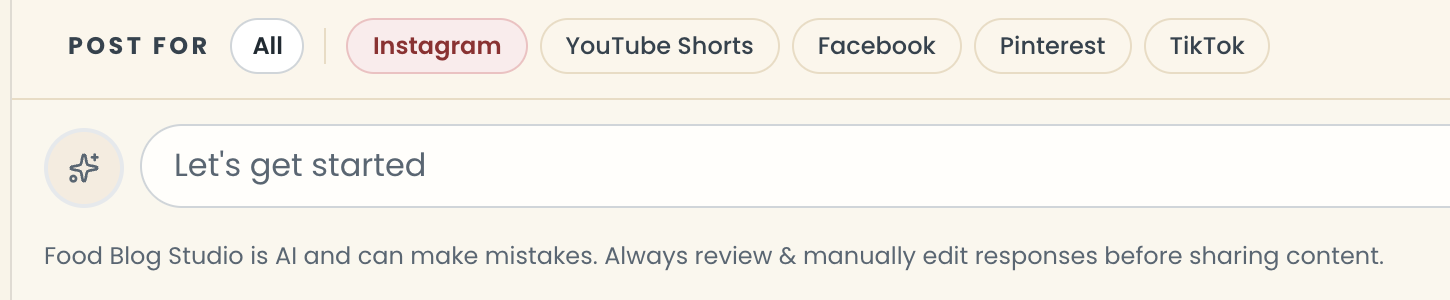
- On: the toggle is red with a ring around it. Hover and it says "Personalization On".
- Off: the toggle is gray. The writer only sees your message.
The toggle starts on in each new chat once you've set anything up in Personalization. Click it to switch it off or on. Turning it off or on changes what's sent from your next message.
Tip
Almost always, leave it on. It's what makes drafts sound like you.
What does the toggle send to each tool?
With the toggle on, every tool reads your Ideal Reader Profile and Voice & Tone Profile.
- Blog Writer also reads your Blog Post samples and your linking list.
- Social Captions reads your Caption samples.
- Email Newsletter reads your Newsletter samples.
- Internal Linking and Focus Finder read your linking list. Internal Linking always does, even with the toggle off.
Last updated October 12, 2026
Up next@ mention your postsStill need help? Send us a message at hello@foodblog.studio